Shrink a whole folder of Excel files
Drag workbooks and folders into one window and press Shrink. Copies land in a folder you choose, written across every core, and no original is touched. It is the engine behind the free tool, without the browser tab around it.
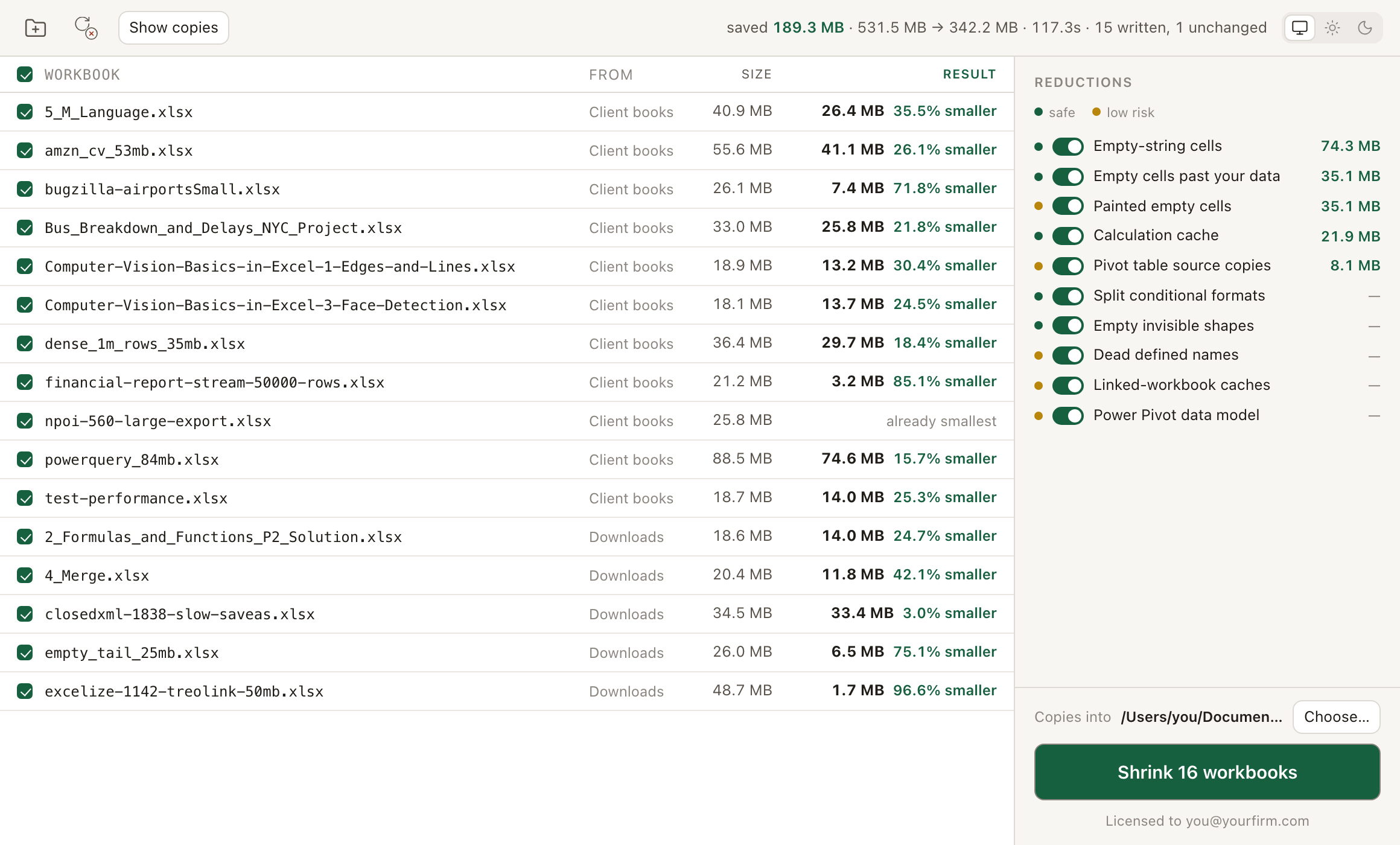
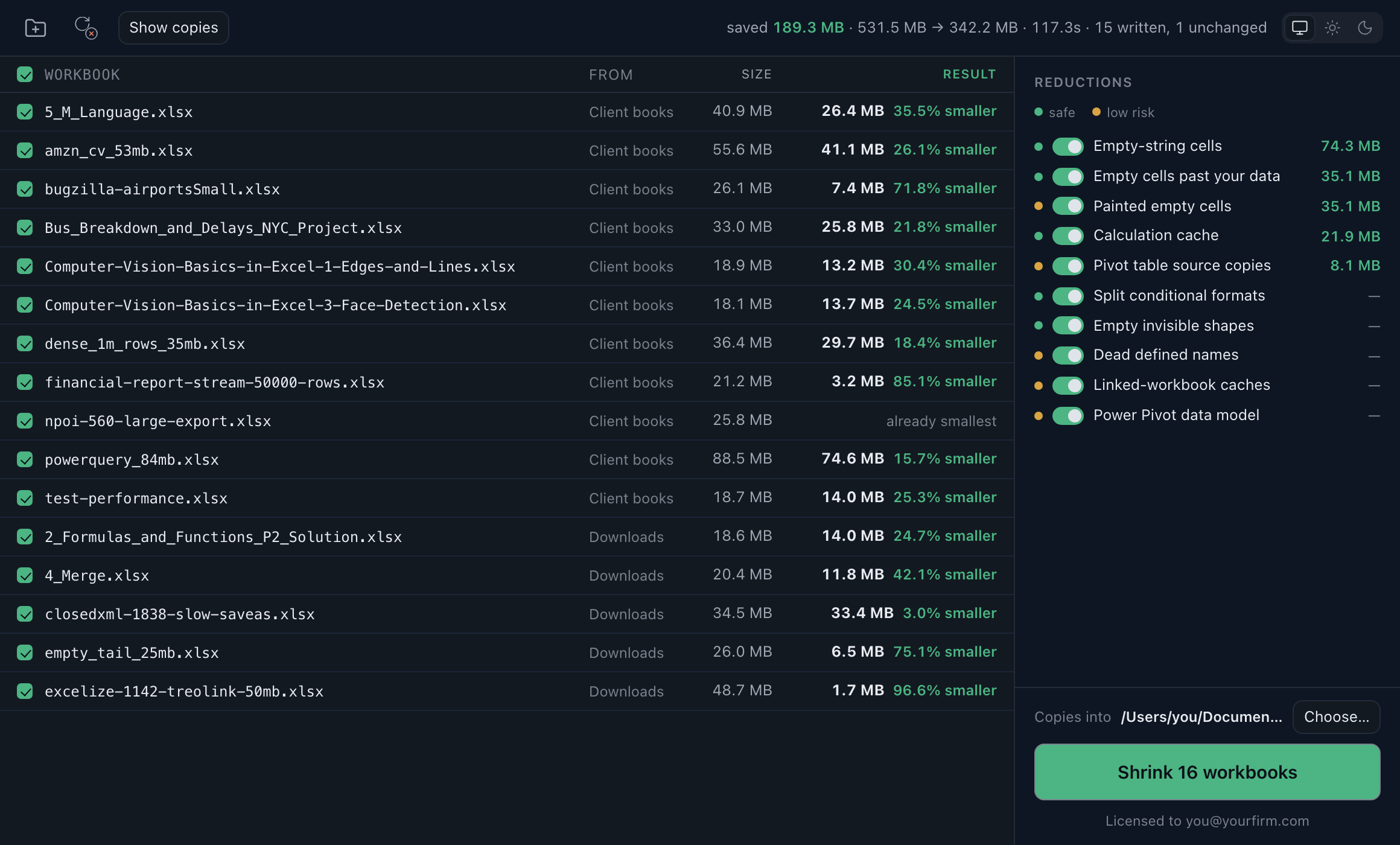
One run over 16 workbooks from the corpus we test on: 531.5 MB down to 342.2 MB, 35.6% smaller, in 117.3 seconds (Apple M3, 8 cores, 8 GB). Every figure on the screen is from that run.
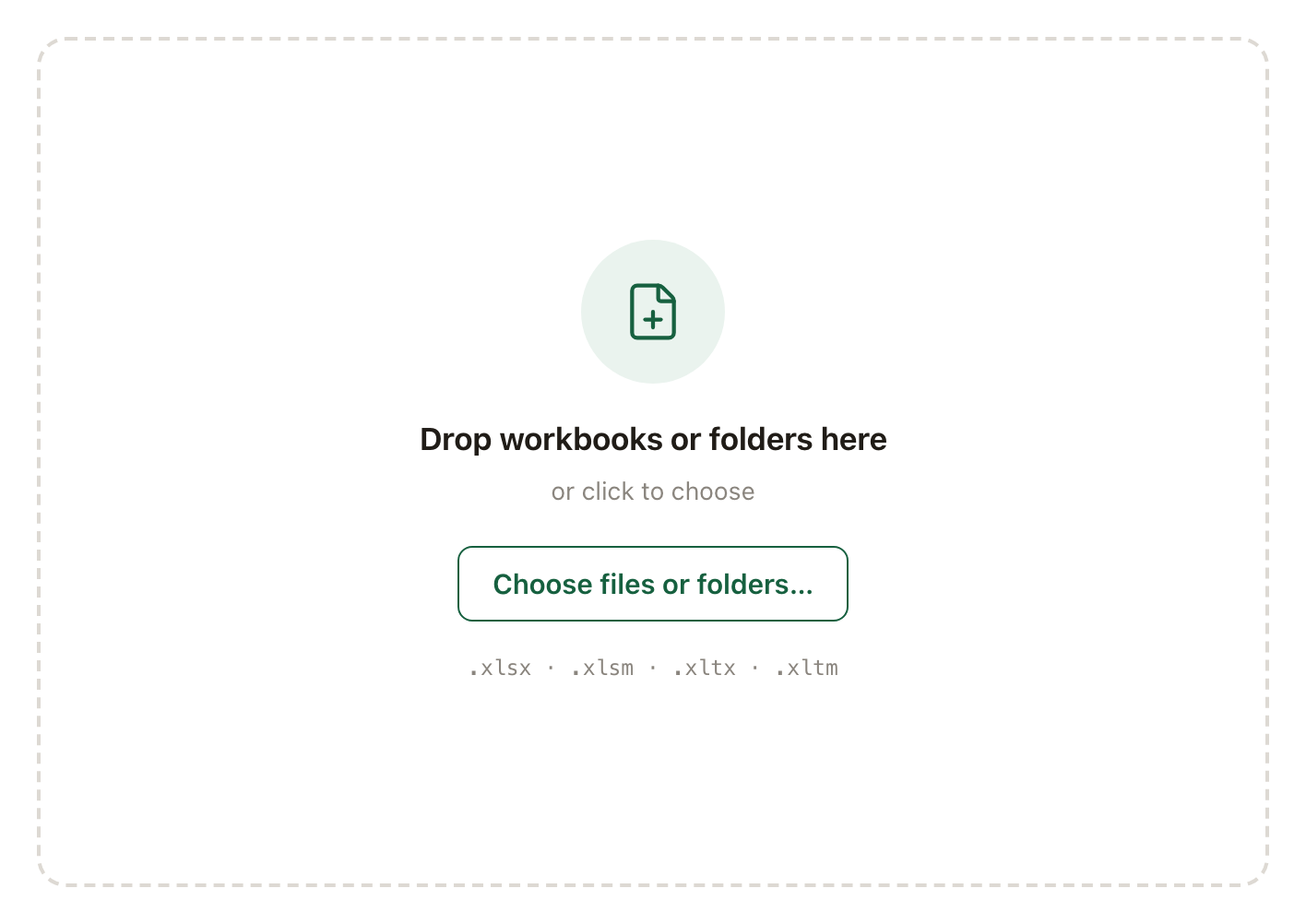
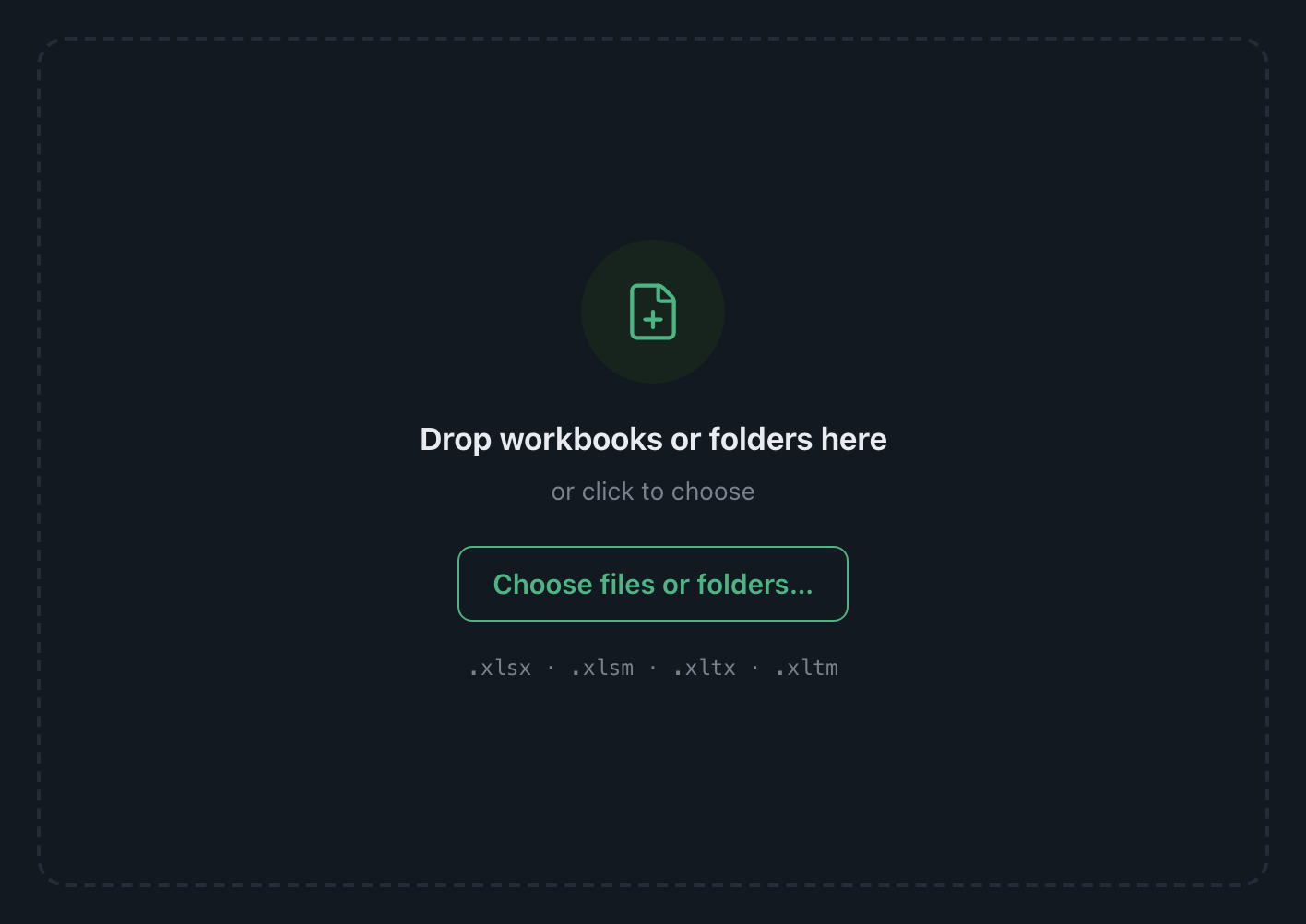
Workbooks and folders, through one door
Drag them in from anywhere, or click and pick files and folders in the same dialog. A folder is read one level deep. Everything arrives checked; uncheck a row and it stays in the list, marked left out, while the rest run.
.xlsx, .xlsm, .xltx and .xltm. Macros pass through untouched.
Every core, one run
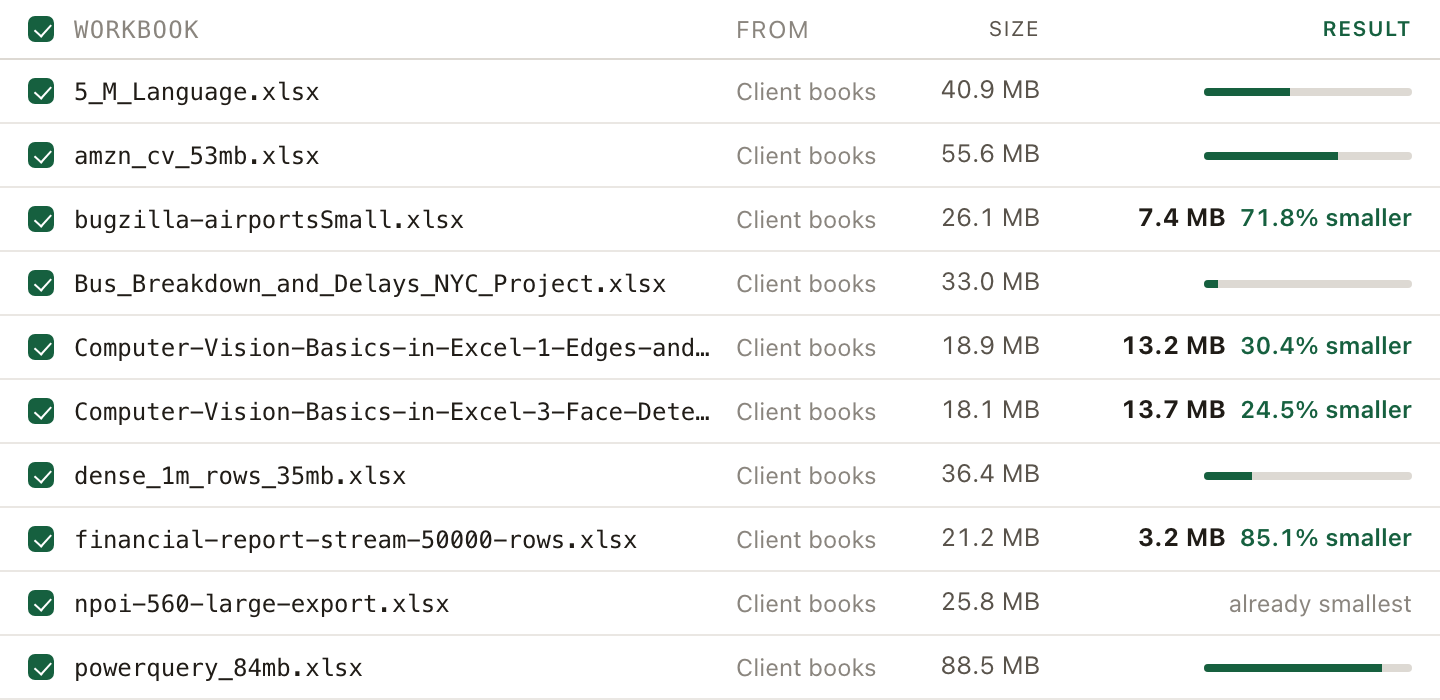
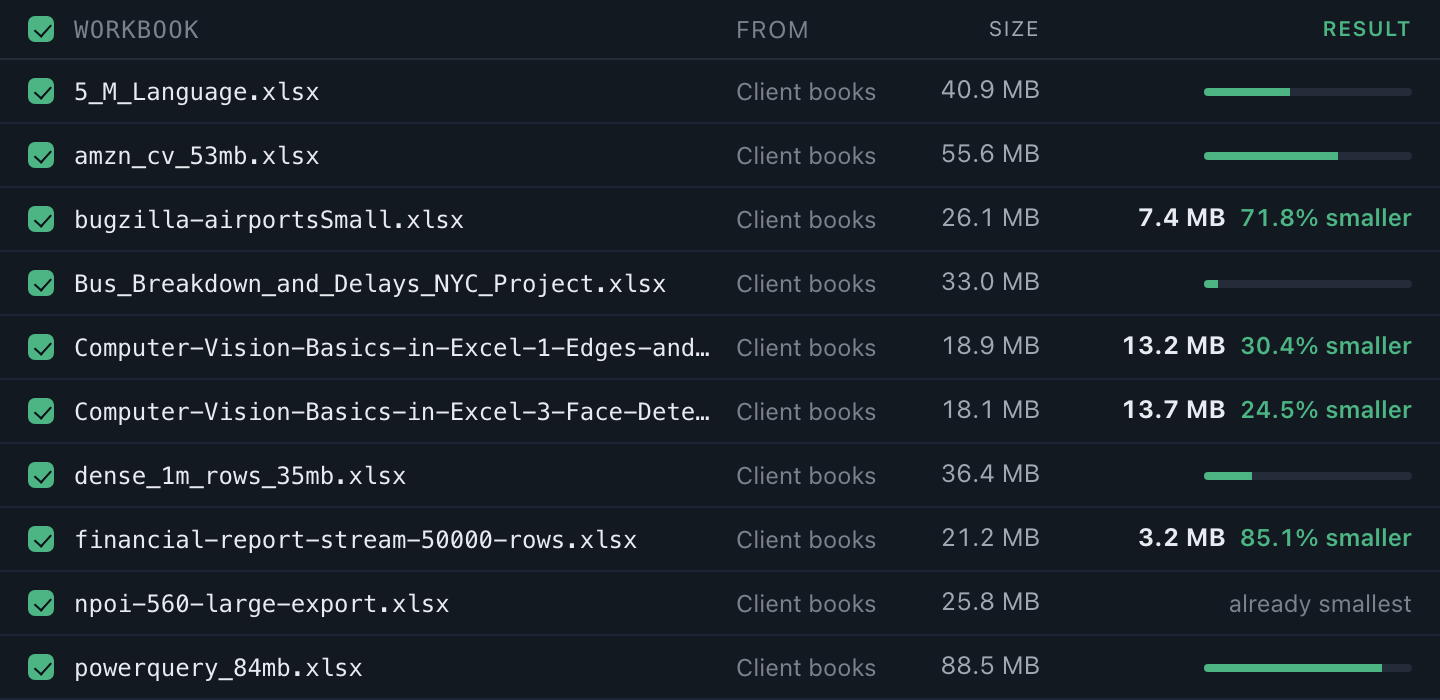
Several workbooks are written at once, one per core. Each row carries its own bar while it is being written and its new size once it is done. A workbook that fails is named and skipped, its original exactly as it was, and the rest of the queue carries on.
Ten reductions, ranked by what they took out
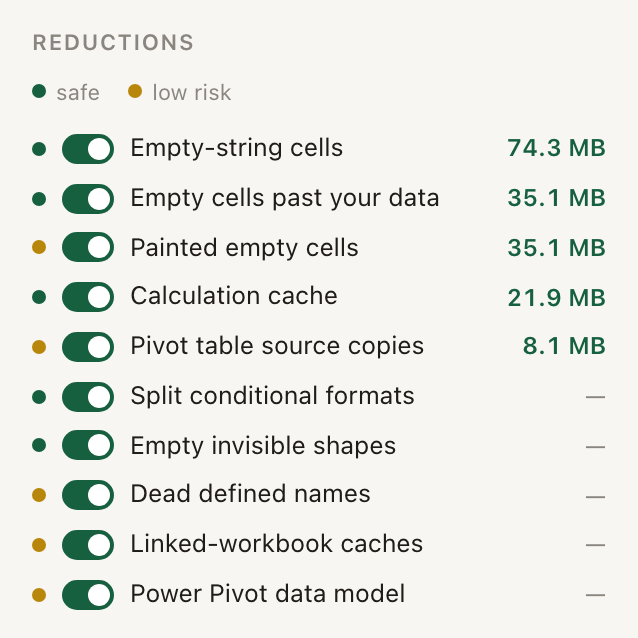
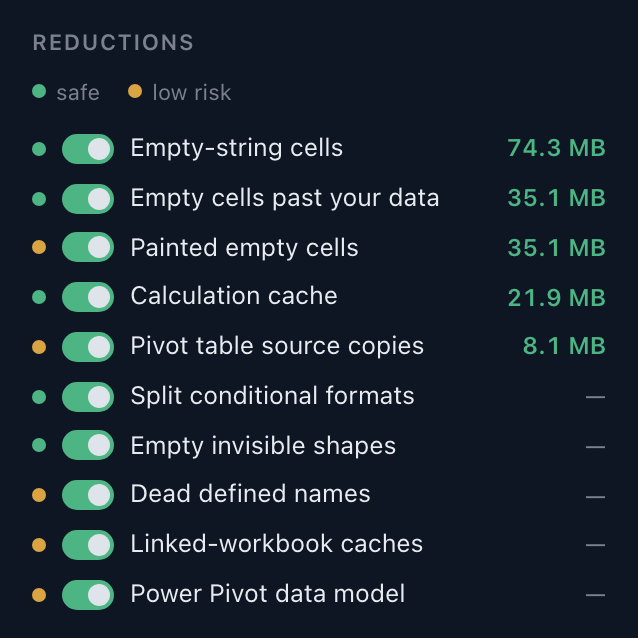
Every reduction the engine knows is a row: a colour, a switch, a name, and what it recovered across this run, largest first. Green is a change nothing on screen or on paper would show. Yellow is one you could notice, and pointing at the row says what to check. Switch any of them off before a run.
Copies, never overwrites
One destination, always a folder you chose. Nothing this app does writes over a workbook, so there is no backup to make and no undo to need. A file already in that folder is never overwritten either.
Verified before it counts
Every copy is reopened and compared with its original part by part before the row reports a size. A workbook that gives back nothing is marked already smallest, and no file is written for it.
One call, on the first launch
The app sends your key, a random machine id, its version and the OS name to shrinkexcel.com once and keeps the signed reply. No path and no workbook is in it, and the window itself has no network permission. After that it runs offline for good.
Two machines for one person
A laptop and a desk; the business key covers ten. A reinstall on the same machine asks nothing. Moving to a new machine is an email to support, not a ticket.
Paid once
Single
$29one person
- Two machines, a laptop and a desk
- macOS and Windows
- Updates for a year. The version you bought stays yours after that
Business
$99one key, 10 machines
- 10 activations, spread over the team however it sits
- macOS and Windows, mixed however the team is
- Updates for a year. The version you bought stays yours after that
- $9.90 a machine
The browser tool stays free: one workbook at a time, nothing leaving the tab.
After you pay
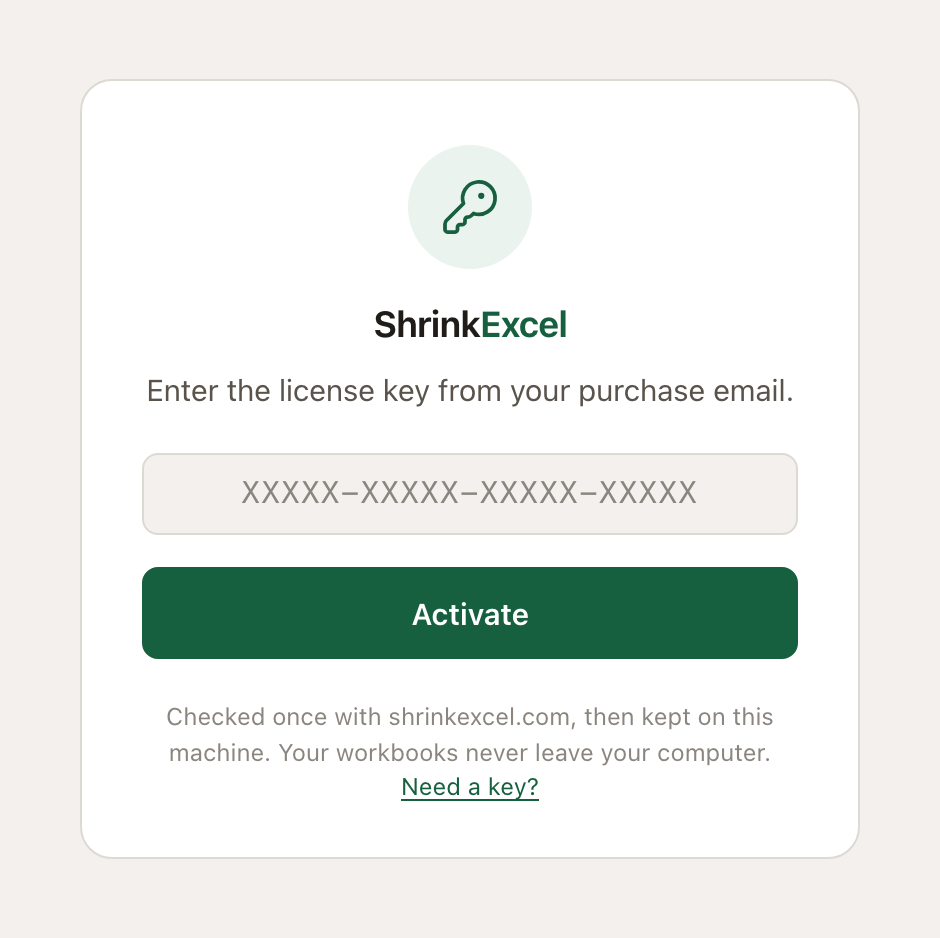
The key arrives by email from support@shrinkexcel.com. Install the app, open it, paste the key. It is checked once with shrinkexcel.com and kept on the machine, and the app never asks again.
macOS 10.15 or later, Windows 10 or later. Lost the key? Email support@shrinkexcel.com from the email you bought with.